

Newsletter
Read on a phone, a tablet or a laptop
نُشر في 4/29/2026
مدة القراءة: 1 دق
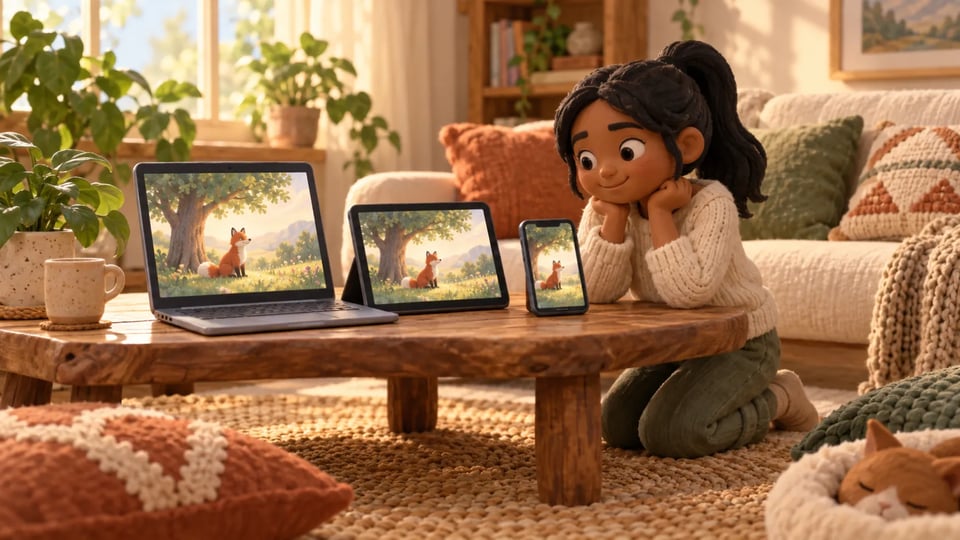
StorySparkle works on the screen your family already has: a phone, a tablet or a laptop. It runs in the browser, so there is nothing to install.
Every page, laid out for the screen it is on
A story read on a phone is not a laptop page shrunk to fit. The words stay large enough to read, the buttons are big enough for a small thumb, and each picture stays with its story.
The hard part was not the phone. It was the languages. A button that says “Start reading free” in English says “Magsimulang magbasa nang libre” in Filipino, and on a narrow screen a label like that would run off the edge. So every button grows onto a second line instead, in every language the site speaks.
Your account goes with you
Your Vocabulary Notebook, your child's reading progress and the stories you have made are kept with your account, not on the device. Sign in on the family tablet after school and on a laptop at the weekend, and your notebook and progress are the same on both.
What it does not do
It needs an internet connection; nothing is saved for reading offline. And screens are for practice. At bedtime, put every screen away, ours included, and read a printed page.
Happy reading,
The StorySparkle team