

How read-along works
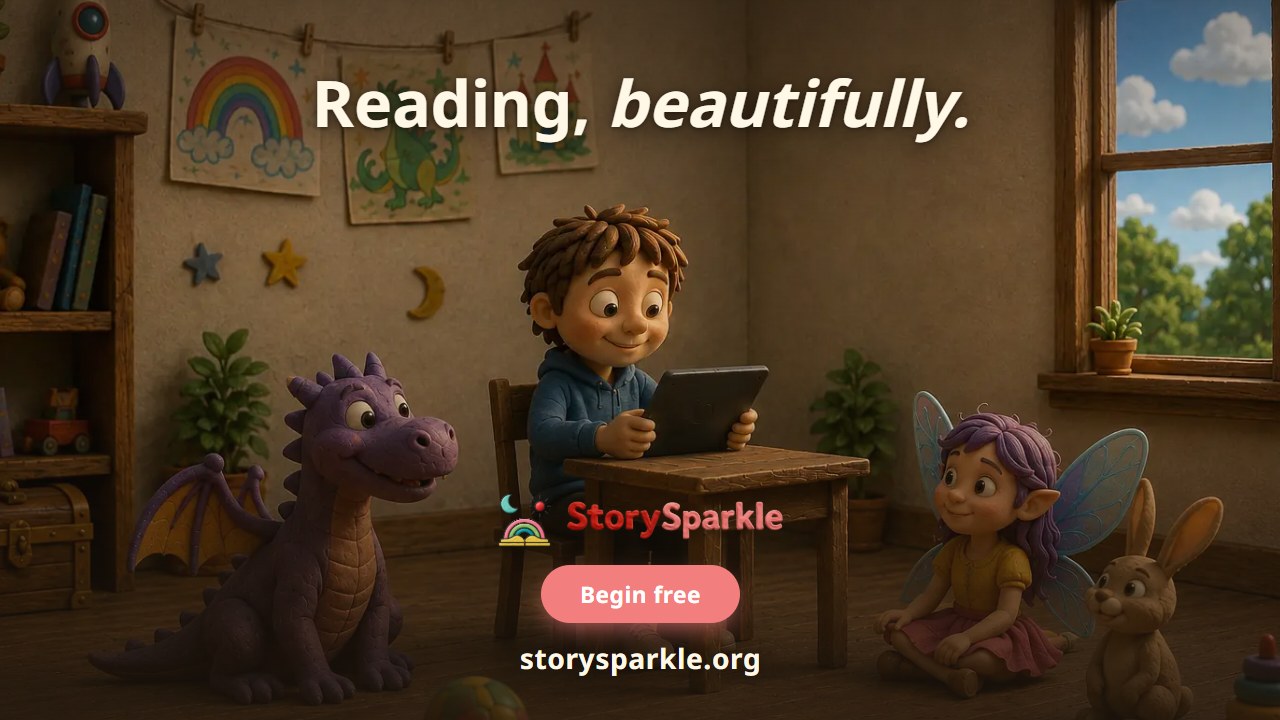
Expression is not something a child can be told — it is something they watch. This film shows the video narrator, the synced word highlights, the slow-down control, tap-any-word lookup with translation, and dyslexia-friendly reading.
Subtitles
The film is in English. Read along in your language — or switch subtitles off.
Every parent says it.
Every teacher says it.
Read it with expression.
And every child does exactly the same thing.
Reads it again, identically, slightly louder at the end.
Expression isn't something a child can be told.
It's something they watch.
And the question nobody puts in the brochure:
how do you teach a sound your own mouth has never made?
Listen and repeat is excellent advice.
Repeat after whom?
So we put a face on it.
Every story has a narrator your child can watch.
Not a bouncing ball.
A mouth.
Lips, teeth, tongue.
Press play, and the words light up in time with the voice.
Press the turtle and everything slows together.
Voice, video, highlight.
Tap any word: hear it alone, read it in a great many languages.
One at a time, ideally.
It's kept with the sentence it came from.
A bare word is just a flashcard.
Dyslexia-friendly reading is a switch on this screen.
Nothing else is on that screen.
No adverts, no badges.
Just your child and the sentence.
More films
 2:30
2:30What is StorySparkle?
The full picture in two and a half minutes: why so many children struggle reading fluently and expressively, what makes StorySparkle different from an AI story generator, and how levelled stories, video narration, the Story Maker, the Text Checker and progress tracking fit together.
 1:29
1:29How to choose the right reading level
Age is what everyone sorts books by, and age does not measure reading. This film shows how every story in the library is scored by the SESL© algorithm and mapped to CEFR, and how to filter by level, age and theme to find something your child can actually read.
 1:28
1:28How to make a custom story
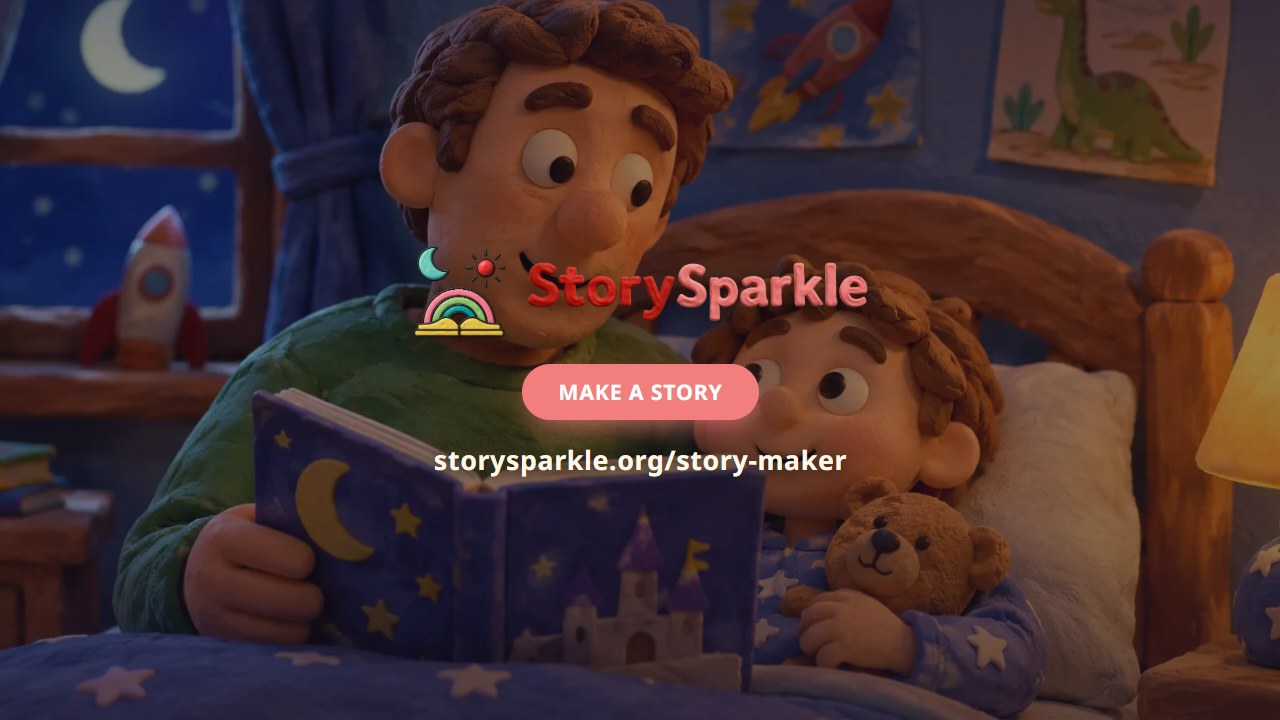
Most story generators will cheerfully hand a six-year-old Dickens. This film shows the Story Maker: your child invents the world, character, goal and twist, you set the reading level, and the level decides vocabulary, sentence length and story length before a word is written.
 1:33
1:33How to check if a text is the right level
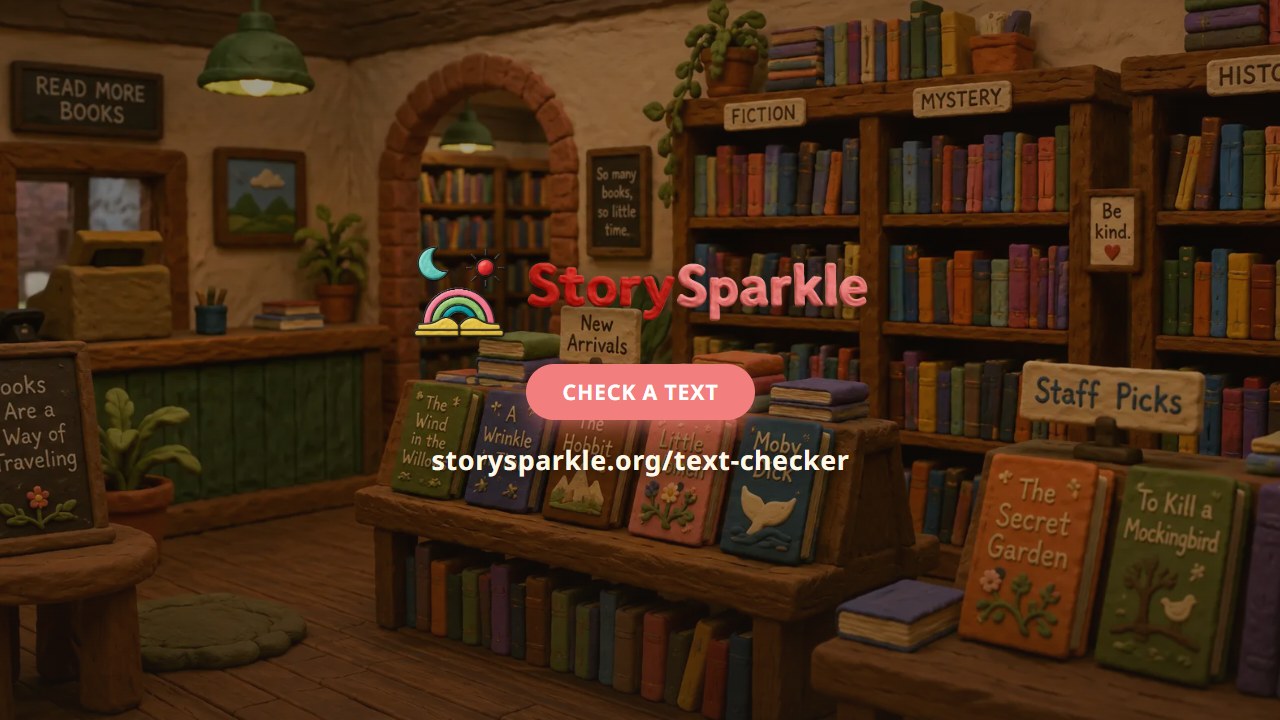
Standing in a bookshop, the available methods for choosing a book are the pictures, the long words, and a child who says yes to anything with a dragon on it. This film shows the Text Checker: paste any text or photograph a worksheet, and get a SESL© score, a CEFR level, and a rewrite if it is too hard.
 1:26
1:26How to track reading progress
Six weeks in, every parent asks whether a reading app is working — and from the doorway, a child reading and a child staring look identical. This film shows what StorySparkle actually measures: a clock that runs only while they read, levels against CEFR, the daily habit, and every word read.